An AI PC is a computer with a dedicated chip, called an NPU, that runs AI tasks on the device instead of in the cloud. If you buy a new Windows laptop today, you will almost certainly get one anyway, so the real question is which AI PC gives you the best battery life, speed and price for your work.
The short answer: choose a Snapdragon X laptop for battery life, an AMD Ryzen AI or Intel Core Ultra laptop if you need full x86 app compatibility, and a Mac if you already live in Apple’s ecosystem. For desktops, look at compact AMD Ryzen AI Max mini PCs or a Mac mini.
Most people do not need an AI PC specifically for AI. The practical benefits today are longer battery life, live captions and translation, webcam effects and faster everyday tasks. Treat the AI features as a bonus, not the reason to spend more.
Quick picks by chip platform
Pick the platform first, then the brand. Model names change every year, so use the examples below as a starting point and check the current generation before you buy.
| Platform | Example machines | Best for | Trade-off |
|---|---|---|---|
| Snapdragon X (Arm) | Microsoft Surface Laptop, ASUS Vivobook S 15, HP OmniBook | Battery life, thin and quiet laptops | Some older apps and games run poorly on Arm |
| AMD Ryzen AI 300 | ASUS Zenbook S 16 | Full x86 compatibility with strong performance | Battery life varies by model |
| Intel Core Ultra 200V | Copilot+ laptops from Dell, HP, Lenovo, ASUS, Acer | Mainstream business and school laptops | Prices vary widely between brands |
| Apple Silicon (M-series) | MacBook Air, MacBook Pro | Apple users, creators, long battery life | Not a Copilot+ PC and does not run Windows natively |
| Compact desktop | Mac mini, AMD Ryzen AI Max mini PCs | Small desks, home office, local AI work | Fewer upgrade options than a tower |
What makes a PC an AI PC
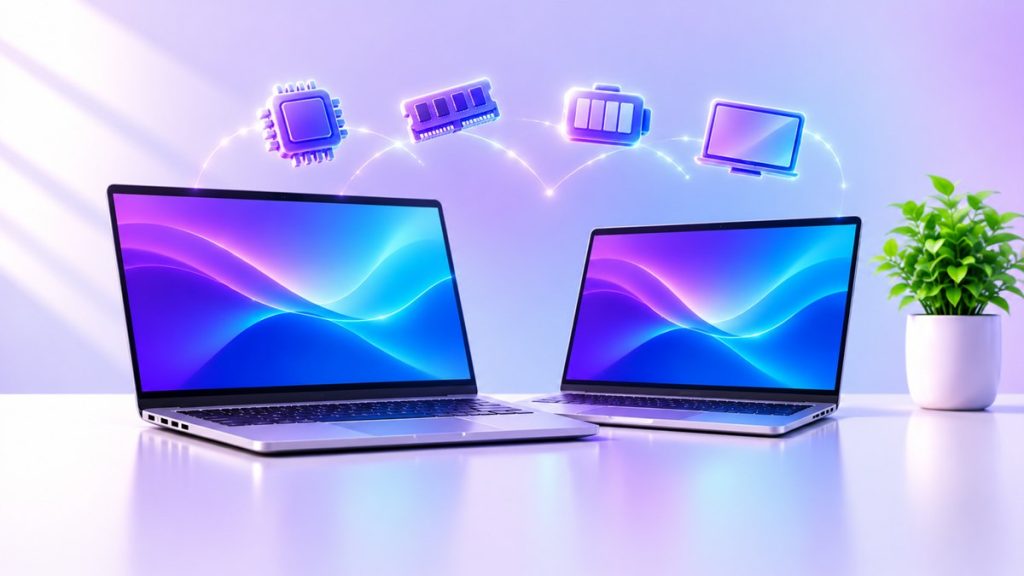
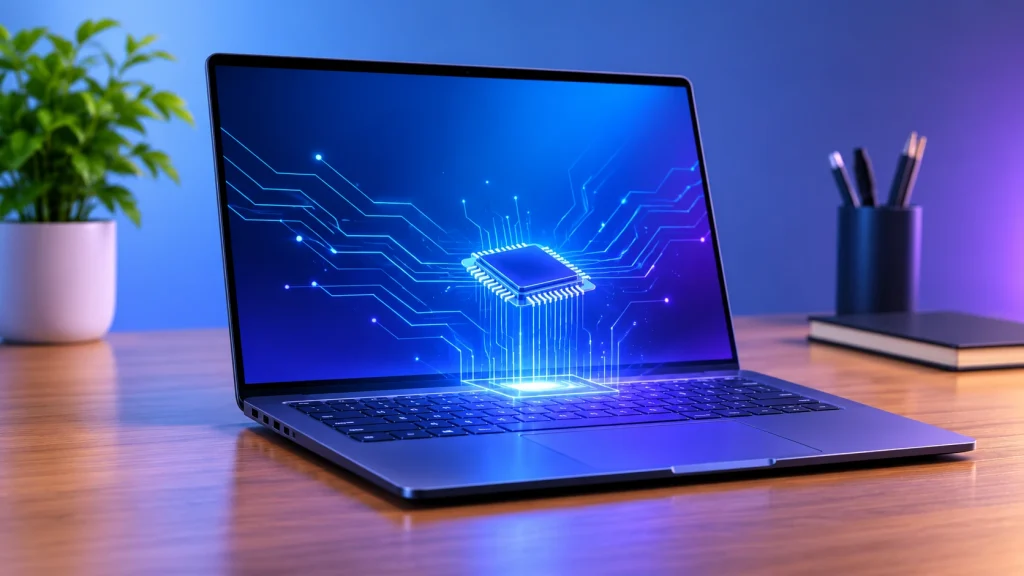
An AI PC has three processors working together: the CPU, the GPU and an NPU (neural processing unit) built for AI math. The NPU handles always-on tasks such as live captions, background blur and on-device models while using far less power than the CPU or GPU would.
NPU speed is measured in TOPS, or trillions of operations per second. Microsoft’s Copilot+ PC label is the clearest standard. Microsoft’s requirements call for an NPU rated at 40+ TOPS, plus 16 GB of RAM and a 256 GB SSD.
Two points that confuse buyers:
- Every Copilot+ PC is an AI PC, but not every AI PC is a Copilot+ PC. Laptops with a weaker NPU still run the cloud-based Copilot assistant, but they do not get the on-device Copilot+ features.
- Copilot+ does not mean Arm only. The first wave used Qualcomm’s Snapdragon X chips, but AMD Ryzen AI and Intel Core Ultra 200V laptops now qualify too.
A 40 TOPS NPU is also too small to run large language models locally in any serious way. For that, you need a strong GPU or lots of unified memory.
Best AI laptops by use
The best AI laptop is the one whose chip matches your apps. These are the main groups to shop from.
Best for battery life and everyday work: Snapdragon X laptops. Arm-based Copilot+ laptops such as the Microsoft Surface Laptop and ASUS Vivobook S 15 are built around efficiency. They suit writing, browsing, video calls and Office work. Check that your key apps run natively on Arm, because older software and some games do not.
Best for app compatibility: AMD Ryzen AI and Intel Core Ultra laptops. These use the standard x86 architecture, so legacy business software works as expected. Reviewers often list the ASUS Zenbook S 16 among the top AMD-based Copilot+ laptops, and Dell, HP, Lenovo and Acer all sell Intel and AMD Copilot+ models.
Best on a budget. Copilot+ laptops have been discounted to roughly $600 during major sales, according to Windows Central. Make sure the deal still includes 16 GB of RAM, since that is the Copilot+ minimum.
Best for creators and Apple users: MacBook Air or MacBook Pro. Apple Silicon has its own Neural Engine and strong battery life. It is not a Copilot+ PC, but it runs Apple’s own on-device AI features.
Best for gaming plus AI: a laptop with an Nvidia RTX GPU. A discrete GPU delivers far more raw AI throughput than an NPU, so it is the better choice for local image generation and heavier AI tools, at the cost of battery life and weight.
Best AI desktops and mini PCs
For desktops, memory and GPU matter more than the NPU. Very few desktops carry the Copilot+ badge, so judge them by what you plan to run.
- Compact mini PCs with AMD Ryzen AI Max chips combine a strong CPU, GPU and NPU with a large pool of shared memory, which helps with local AI models. They suit developers and power users who want a small box.
- Mac mini (M-series) is a quiet, low-power desktop with a capable Neural Engine and unified memory. It suits home offices, creative work and anyone already using macOS.
- A tower with an Nvidia RTX graphics card is still the strongest option for image generation, video work and running models locally. Choose it when speed matters more than size or noise.
If you only want Windows Copilot+ features on a desktop, check that the specific model lists a 40+ TOPS NPU. A fast desktop CPU alone does not qualify.
How to choose an AI PC
Start with what you actually do, then check these five specs.
- NPU rating. If you want Copilot+ features, look for 40+ TOPS on the spec sheet. If TOPS is not listed, the laptop is probably not a Copilot+ PC.
- RAM. 16 GB is the Copilot+ minimum. Choose 32 GB if you multitask heavily or plan to run local AI models, because RAM is usually soldered and cannot be upgraded later.
- Storage. 256 GB is the minimum, but 512 GB to 1 TB is more realistic once you add apps, photos and AI model files.
- App compatibility. Arm laptops are efficient, but test your must-have apps first. If you rely on older software, an x86 laptop is safer.
- Battery and display. Look at independent battery tests rather than manufacturer claims, and pick an OLED or high-quality IPS screen if you work on it all day.
Prices and models change quickly, so compare the current generation of two or three machines rather than buying the first sale you see.
FAQ
What is an AI PC? A computer with an NPU that runs AI tasks locally, often with a CPU and GPU tuned to work alongside it.
Is a Copilot+ PC the same as an AI PC? No. Copilot+ is Microsoft’s stricter label, which needs a 40+ TOPS NPU, 16 GB of RAM and a 256 GB SSD. All Copilot+ PCs are AI PCs, but not the reverse.
Can my old laptop get Copilot+ features? No. Those features need the 40+ TOPS NPU in the hardware. Older laptops can still use the cloud-based Copilot assistant.
Do I need an AI PC for ChatGPT or other chatbots? No. Those run in the cloud and work on almost any computer with an internet connection.
Is a MacBook an AI PC? It has a Neural Engine and runs on-device AI, but it is not branded Copilot+ because it does not run Windows.
Sources
- Microsoft: Copilot+ PC minimum system requirements
- Windows Central: AI laptops and Copilot+ deals
- Staples: AI PC buying guide
- Tom’s Hardware: Copilot+ PCs explained
Checked 7 November 2026. Models, prices and plans change often, so confirm details on the manufacturer’s page before you buy.
About the Author

Aman Ullah Hridoy
Founder & Content Creator
I’m Aman Ullah Hridoy, the founder of Technolozia. I write about technology, software, gadgets and practical how-to guides to help readers understand tech and make smarter digital choices.